
Description
Automatically clean up scanned photo borders in bulk
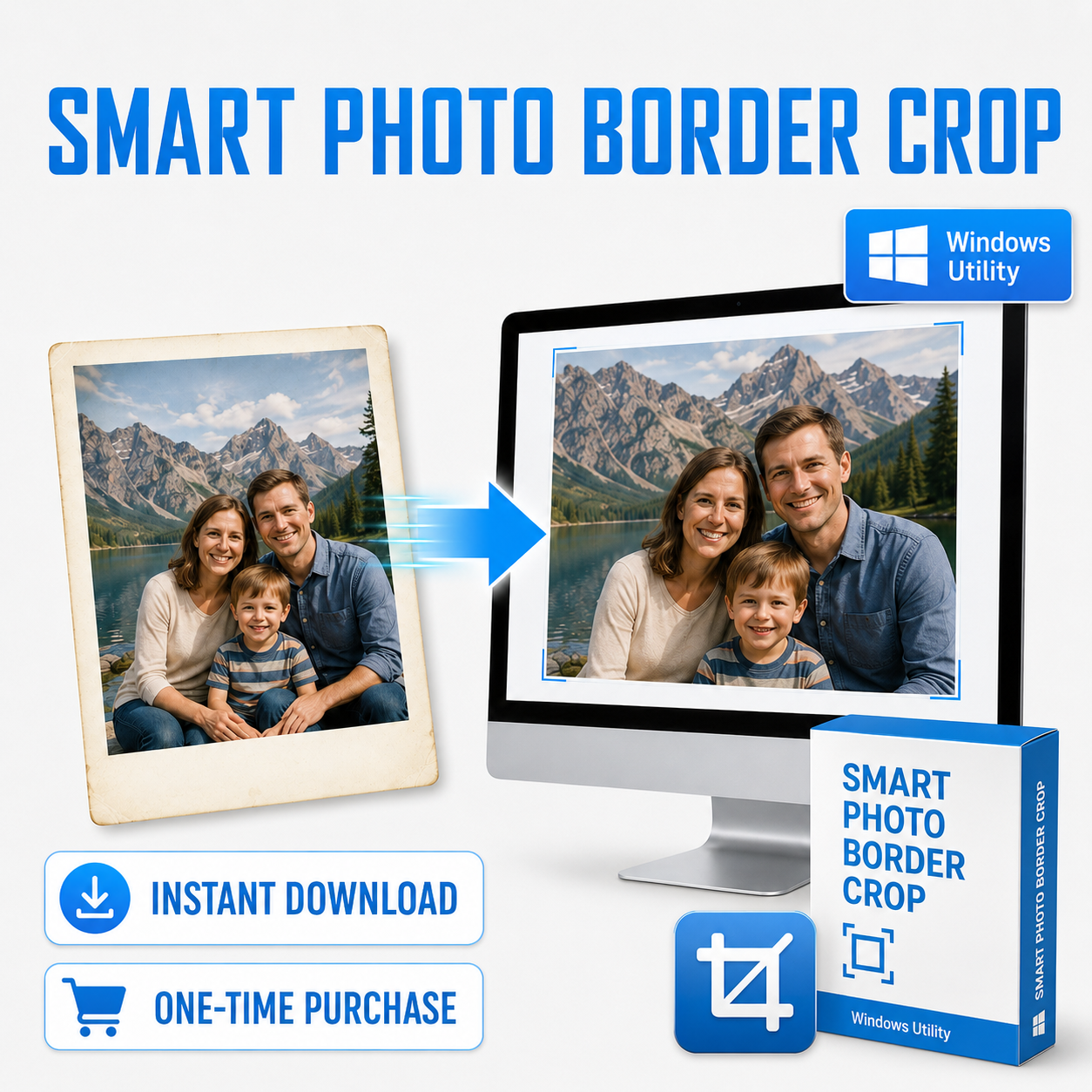
Smart Photo Border Crop is a Windows desktop utility designed for people with large collections of scanned photographs.
Instead of manually cropping each photo in Photoshop or another image editor, select a folder and let the software analyze the entire batch.
It can detect and remove:
- White photo borders
- Cream and aged borders
- Uneven borders
- Thin scanner-edge residue
- Large borders on individual sides
- Slightly skewed scans
High-confidence crops are handled automatically. If the software is unsure, that photo is held for review instead of being blindly cropped.
$9.95 one-time purchase
- No subscription
- No recurring fees
- Instant digital download
- Unlimited photo processing
- Use the software whenever you need it
Built-in review and manual crop tools
For difficult photos, you can review the proposed crop directly inside the program.
The built-in crop editor allows you to:
- Adjust individual crop edges and corners
- Zoom in for precise placement
- Pan around the image
- Reset to the automatic crop
- Reset to the full original image
- Accept or reject the proposed crop
This makes it possible to handle unusual vintage photographs without leaving the program.
Designed for large photo collections
Smart Photo Border Crop is especially useful for:
- Scanned family photo collections
- Photo scanning businesses
- Genealogy and historical archives
- Photographers
- Photo collectors
- Inherited photo collections
- Large digitization projects
Whether you have 100 photos or several thousand, the software is designed to reduce repetitive manual cropping work.
Your original photos are never overwritten
Smart Photo Border Crop creates a separate:
Cropped Output
folder inside the folder you selected.
Your original scans remain untouched.
Preserves photo quality and metadata
Cropped JPEG files are saved at maximum JPEG quality.
Whenever available, the software preserves important source information including:
- Original DPI/resolution metadata
- ICC color profile
- EXIF metadata
- JPEG comments
So a 600 DPI scan remains identified as a 600 DPI image after cropping.
Private, local processing
All photo analysis happens directly on your Windows computer.
Your photographs are not uploaded to Photo Digitizer or sent to an online service.
No account or internet connection is required for normal processing.
Full Version includes
- Unlimited photo processing
- Automatic border detection
- Automatic slight straightening when appropriate
- Exception-only review workflow
- Manual crop adjustment
- Zoom and pan tools
- Crop Tightness controls
- Detection Level controls
- Separate output folder
- Maximum-quality JPEG output
- DPI and metadata preservation
- Local/private processing
- No subscription
System requirements
Windows 10 or Windows 11
Supported image formats:
JPG, JPEG and PNG
Processes one selected folder at a time. Subfolders are not included.
Delivery
This is a digital download.
After purchase, you will receive the Smart Photo Border Crop Full Version Windows installer and Getting Started instructions.
There are no physical items shipped.


Reviews
There are no reviews yet.